How to convert DOCX to PDF
- Drop your DOCX files into the box above, or click it to choose from your device.
- PDF is already selected for you. Press "Convert to PDF".
- Download each new PDF file, or grab them all at once as a ZIP.
Why convert Word (DOCX) to PDF?
Word (DOCX) files are best for documents you still need to edit. PDF is the better choice for documents that must print and look identical everywhere. It opens in every browser and operating system, while Word (DOCX) opens in word, Google Docs, LibreOffice and Pages.
PDF is lossless, so nothing your DOCX file contains is thrown away on the way.
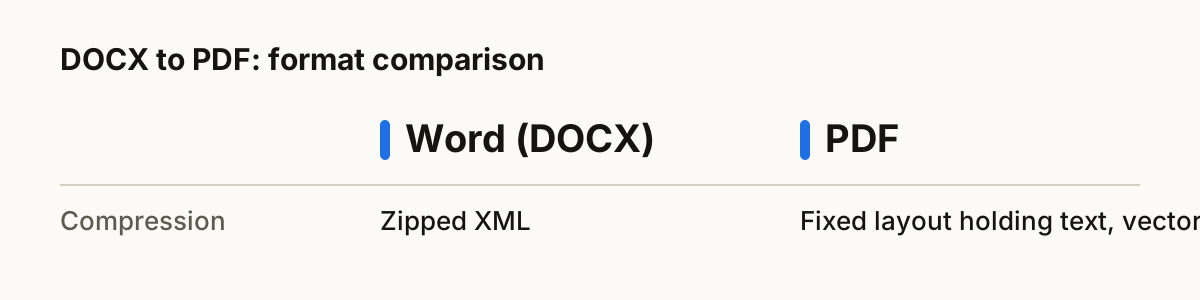
Word (DOCX) vs PDF at a glance
| Word (DOCX) | ||
|---|---|---|
| Compression | Zipped XML | Fixed layout holding text, vectors or scanned images |
| Opens in | Word, Google Docs, LibreOffice and Pages | Every browser and operating system |
| Best for | documents you still need to edit | documents that must print and look identical everywhere |
What happens to your file
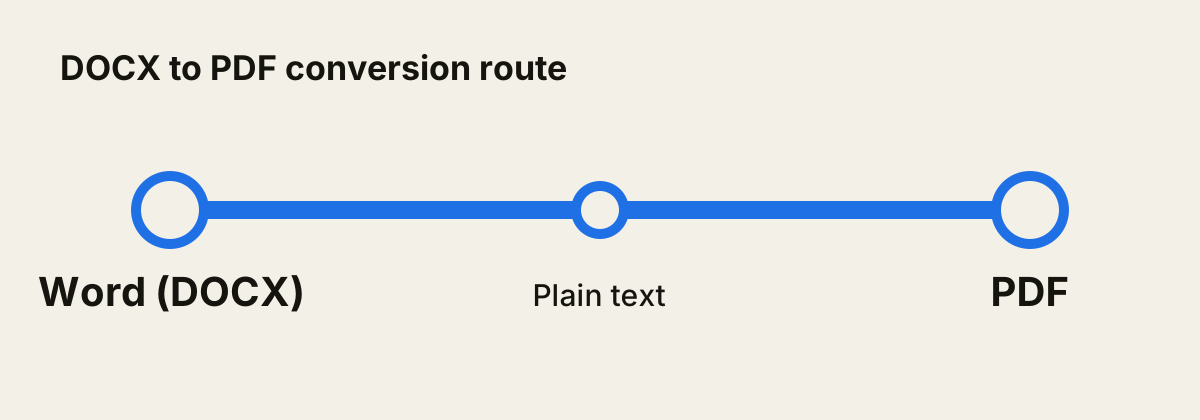
Word files are opened with Mammoth, an open-source library that reads the document structure (headings, paragraphs, lists and tables) instead of its visual layout. That keeps your text clean and well organised, though fonts, colours and page layout are not carried across.
A PDF is assembled in your browser with jsPDF. Images are placed on a page exactly their own size, so nothing is cropped or stretched. Text is set on A4 pages with sensible margins and wraps automatically across as many pages as it needs.
Tips for a clean conversion
- Drop a whole folder's worth of DOCX files at once. They convert one after another and you can download everything as a single ZIP.
- Keep your original DOCX files until you have checked the results. Converting back later is rarely lossless.
- PDF keeps everything it receives, so the result is only ever as good as the DOCX file you start with.
- Layout, fonts and images are not carried over. This route keeps the words, which is ideal for printing or archiving the text.
- There is no direct DOCX to PDF converter that runs in a browser, so your file is passed through 1 intermediate format automatically.
About the formats
Word (DOCX): Microsoft Word document format.
PDF: Fixed-layout document format that looks the same on every device.
Questions
- Is it safe to convert DOCX to PDF here?
- Yes. The conversion runs entirely inside your web browser. Your DOCX file is never uploaded to a server, so nobody else can see it.
- Will I lose quality?
- PDF is lossless, so nothing your DOCX file contains is thrown away on the way.
- Can I convert several DOCX files at once?
- Yes. Drop as many files as you like. Each one is converted in turn, and you can download them one by one or all together as a ZIP.
- Is it free?
- Yes. There is no sign-up, no watermark and no limit on how many files you convert.
- Does it work on a phone?
- Yes. The converter runs in any modern browser, including Safari on iPhone and Chrome on Android, so you can convert DOCX files without installing an app.