How to convert CSV to JSON
- Drop your CSV files into the box above, or click it to choose from your device.
- JSON is already selected for you. Press "Convert to JSON".
- Download each new JSON file, or grab them all at once as a ZIP.
Why convert CSV to JSON?
CSV files are best for moving table data between apps. JSON is the better choice for APIs and app data. It opens in code editors and every programming language, while CSV opens in excel, Google Sheets and every database.
JSON is lossless, so nothing your CSV file contains is thrown away on the way.
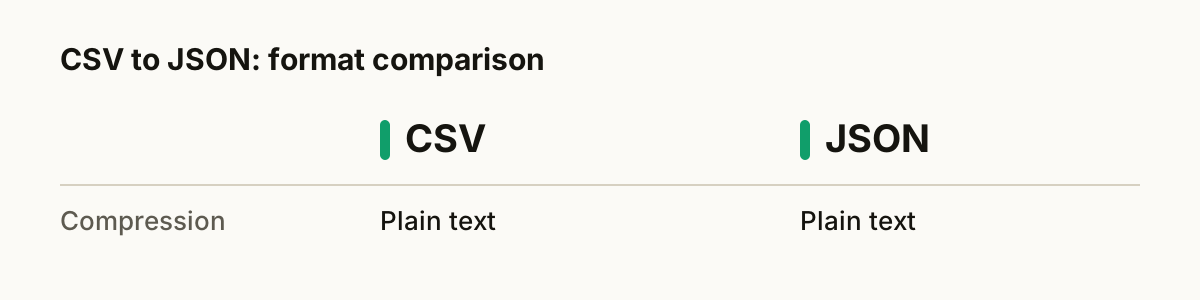
CSV vs JSON at a glance
| CSV | JSON | |
|---|---|---|
| Compression | Plain text | Plain text |
| Opens in | Excel, Google Sheets and every database | Code editors and every programming language |
| Best for | moving table data between apps | APIs and app data |
What happens to your file
Your table is read into rows and columns with SheetJS and Papa Parse, two widely used open-source data libraries, then written out in the new format. Numbers stay numbers, the first row becomes the column headers, and nested values that a flat table cannot hold are kept as JSON text inside the cell rather than being dropped.
Tips for a clean conversion
- Drop a whole folder's worth of CSV files at once. They convert one after another and you can download everything as a single ZIP.
- Keep your original CSV files until you have checked the results. Converting back later is rarely lossless.
- JSON keeps everything it receives, so the result is only ever as good as the CSV file you start with.
About the formats
CSV: Comma-separated values. The lowest common denominator for spreadsheets and databases.
JSON: The data format of the web and most APIs.
Questions
- Is it safe to convert CSV to JSON here?
- Yes. The conversion runs entirely inside your web browser. Your CSV file is never uploaded to a server, so nobody else can see it.
- Will I lose quality?
- JSON is lossless, so nothing your CSV file contains is thrown away on the way.
- Can I convert several CSV files at once?
- Yes. Drop as many files as you like. Each one is converted in turn, and you can download them one by one or all together as a ZIP.
- Is it free?
- Yes. There is no sign-up, no watermark and no limit on how many files you convert.
- Does it work on a phone?
- Yes. The converter runs in any modern browser, including Safari on iPhone and Chrome on Android, so you can convert CSV files without installing an app.